A calibration due date shouldn't live on a wall calendar
A centrifuge that's overdue for calibration is a compliance problem and an inventory problem at once, but most labs track it separately from everything else. Vitrio treats equipment as a first-class part of the same system as stock and tests, so nothing gets missed because it lived on a different list.
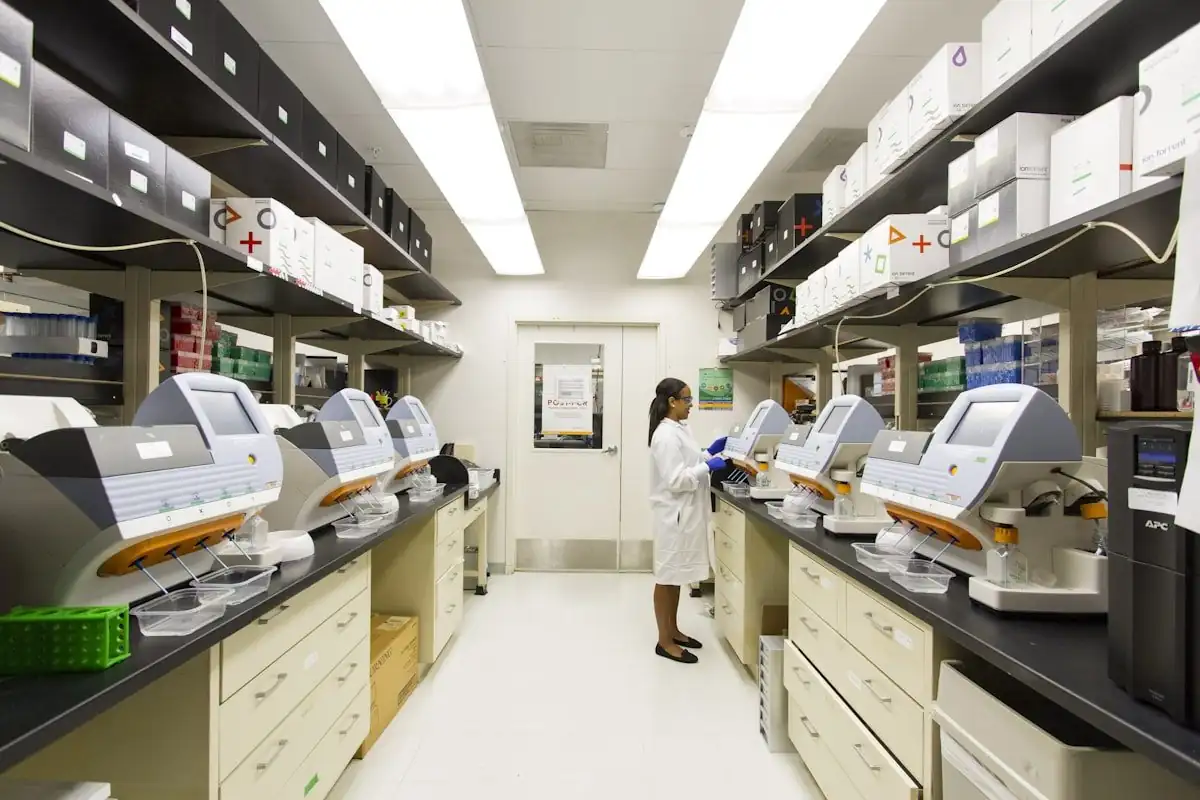
Calibration due dates that show up before they're overdue
Every piece of equipment gets a calibration schedule in Vitrio, and a due date approaching surfaces the same way a low-stock reagent does: as a real alert on the dashboard, not something a technician has to remember to check on a wall calendar.
- Calibration due dates tracked per instrument
- Live alerts as a due date approaches, not after
- Full history of every calibration performed
Maintenance tickets in the same system as everything else
When something breaks, a ticket gets logged against that specific piece of equipment, tracked from opened to resolved. Equipment risk factors into Vitrio's insights scoring alongside stock and supplier reliability, so a lab admin sees the whole operational picture in one place.
- Maintenance tickets tracked from open to resolved
- Equipment risk scored in the same AI insights engine
- Full audit trail on every ticket and calibration record
Other real workflows Vitrio was built around
Preventing Reagent Stockouts
Deterministic AI forecasting, before it becomes a shortage.
See how it worksAudit-Ready Quality Management
SOPs, CAPA, and audit exports built into the same system.
See how it works
See equipment tracking running alongside your stock
A 30-minute walkthrough built around your own equipment list.
One action. A clearer next step.
See how test activity connects to stock and purchasing. This interactive illustration uses sample data, not a live laboratory account.
- 01
Test activity
0Tests recorded against a configured recipe.
- 02
Available stock
100Illustration: one unit consumed per test.
- 03
Next decision
ReadyRun the example to see the stock review.
Choose “Log 12 tests” to follow the workflow.
Explore your laboratory’s workflow in a demo →