Capability · Test Consumption

The idea Vitrio was actually built around

Stock counts drift the moment someone forgets a manual deduction. Every test type maps to a versioned recipe of reagents in Vitrio, so posting authorised completed activity deducts the mapped quantities from eligible stock, with a traceable operational record.

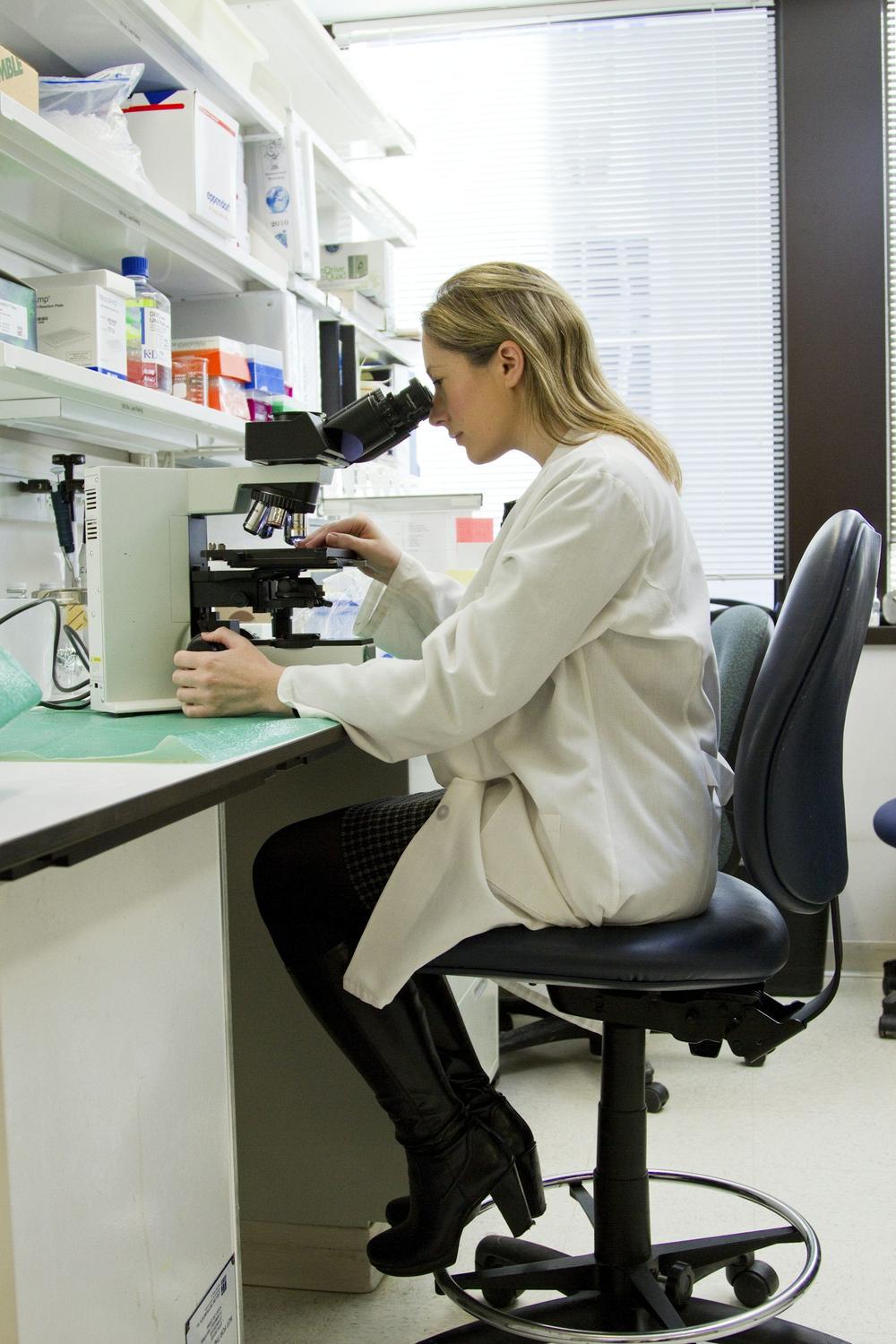
Technician logging a test
Take a self-guided tour

One reagent. A whole day of decisions.

Click through a stock-to-purchasing example. See what changes, who reviews it and what stays in the record. No signup needed.

VitrioOperational workspaceInteractive example · Synthetic data
Storekeeper viewUsable stock

Know what is ready to use.

Quantity is only useful when the lot is usable. Expired and quarantined stock stays out of this example’s available balance.

LotQuantityStatus
ALT · Example lot A100.00 mLUsable
Example lot B20.00 mLExpired · excluded
Explore stock and lot controls
Operational data only. Your clinical records stay in your LIS.Walk through your workflow with us
100+Built-in standard test recipes
Per-TestReagent deduction, not per-order
AutomaticOldest batch first, every time
TraceableRecipe and lot history for each activity

Reagent recipes, versioned per test type

100+ standard test recipes come built in, ready on day one, with custom test templates for anything not in the catalog. When the recipe changes, the version changes too, so a historical test log still shows exactly what it consumed at the time.

  • 100+ pre-built standard test recipes
  • Custom test templates for anything not in the catalog
  • Versioned: a recipe change never rewrites history
Someone deducts stock manually, later
Deducted the moment a test is logged
Malaria RDT ×40 logged40 kits deducted
FBC Panel ×12 logged3 reagents deducted
HIV Rapid Test ×25 logged25 kits deducted

Traceability: which lot supported which activity

Operational usage records link the completed activity, approved recipe and consumed lot. A recalled lot can be reviewed against its usage history without storing patient details or clinical results. Manual adjustments require an authorised reason and remain in the audit record.

  • Batch/lot linked to every test log entry
  • Recall review: inspect the affected operational usage
  • Emergency/manual deduction requires a reason code
Lot #FBC-2281 — recalled7 usage records
Activity #RUN-3391Batch #MR-1147
Activity #RUN-3392Batch #MR-1147
Explore More

Where the consumption engine connects to the rest of the platform

Inventory Management

The live stock the consumption engine deducts against.

See how it works

AI Insights

Forecasting built directly on real consumption data.

See how it works

Diagnostic & Pathology Labs

Where this capability matters most, in depth.

See how it works
Lab technician working

See a test log deduct stock in real time

A 30-minute walkthrough built around your own test catalog.

Follow the work

One action. A clearer next step.

See how test activity connects to stock and purchasing. This interactive illustration uses sample data, not a live laboratory account.

Illustrative workspace · FBC reagent A
  1. 01

    Test activity

    0

    Tests recorded against a configured recipe.

  2. 02

    Available stock

    100

    Illustration: one unit consumed per test.

  3. 03

    Next decision

    Ready

    Run the example to see the stock review.

Choose “Log 12 tests” to follow the workflow.

Explore your laboratory’s workflow in a demo →