A forecast you can't explain isn't one you can trust
Vitrio's insights engine is deterministic, not a black box. Every score can be explained, not just displayed. Stockout forecasts, consumption anomalies, equipment risk, supplier risk, and budget burn-rate all recompute fresh on every visit, from your lab's own data.
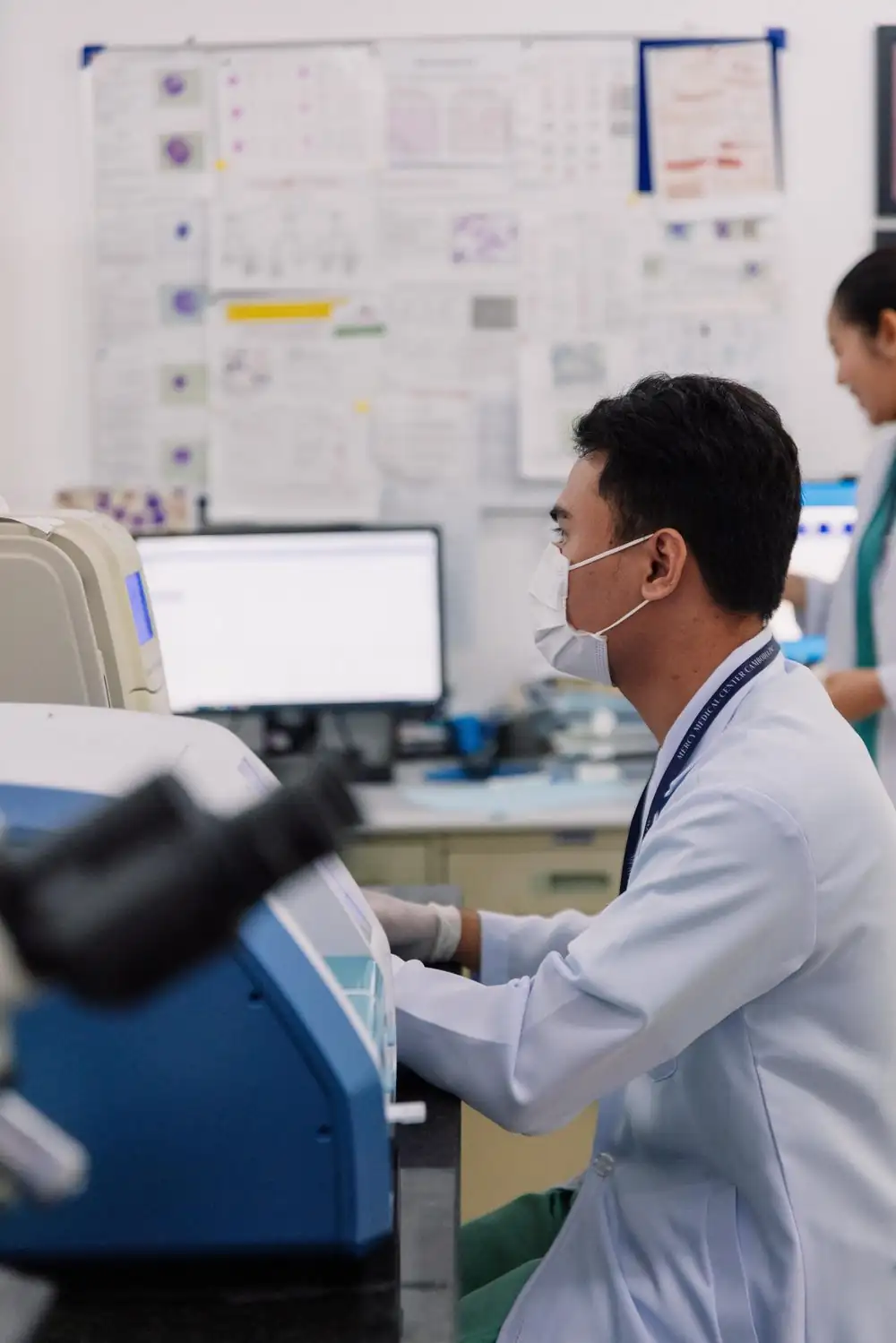
Every score has a reason, not just a number
A forecast that tells you to act but can't say why isn't one you can defend to a colleague. Vitrio's scoring is deterministic: the same inputs always produce the same score, and the score comes with the reasoning behind it, not a confidence percentage from an opaque model.
- Stockout & overstock forecasting, per item
- Consumption anomaly detection
- A Lab Health Score you can explain, not just display
Risk scored across equipment, suppliers, and budget too
Insights aren't limited to stock. Equipment maintenance risk, supplier reliability, and budget burn-rate all feed into the same engine, so a lab admin sees the whole operational picture in one place instead of checking four separate systems.
- Equipment maintenance risk scoring
- Supplier reliability scoring, deterministic
- Live briefing, refreshed on demand, in plain language
Autopilot finds the money and the minutes
On top of the forecasts, Vitrio checks your own records every day for the things that quietly cost a laboratory time and money, and ranks them so you know where to start. Each one shows the records behind it, and anything that is only an estimate says so.
- Prices that have crept up, and cheaper offers from other suppliers
- Idle and excess stock, and stock likely to expire before it is used
- Orders that could ship free if combined, and order sizes that outrun shelf life
- Reagent needs for the next 28 days, worked out from your test volumes and recipes
- Quality controls drifting and fridges warming, before a limit is crossed
- Claims stuck in draft or unpaid, and specimens rejected for avoidable reasons
You decide what leaves your laboratory
Every calculation above runs inside Vitrio. A few written summaries and drafting aids can use an outside AI provider, and a lab admin can switch that off for the whole laboratory with one setting. When it is off, nothing from your laboratory is sent to a provider and every figure still works.
- A plain page listing what is calculated, what is sent and what is never sent
- A per-laboratory switch, recorded in the audit trail
- Suggestions only: drafts wait for a person to approve them
Where AI insights connects to the rest of the platform
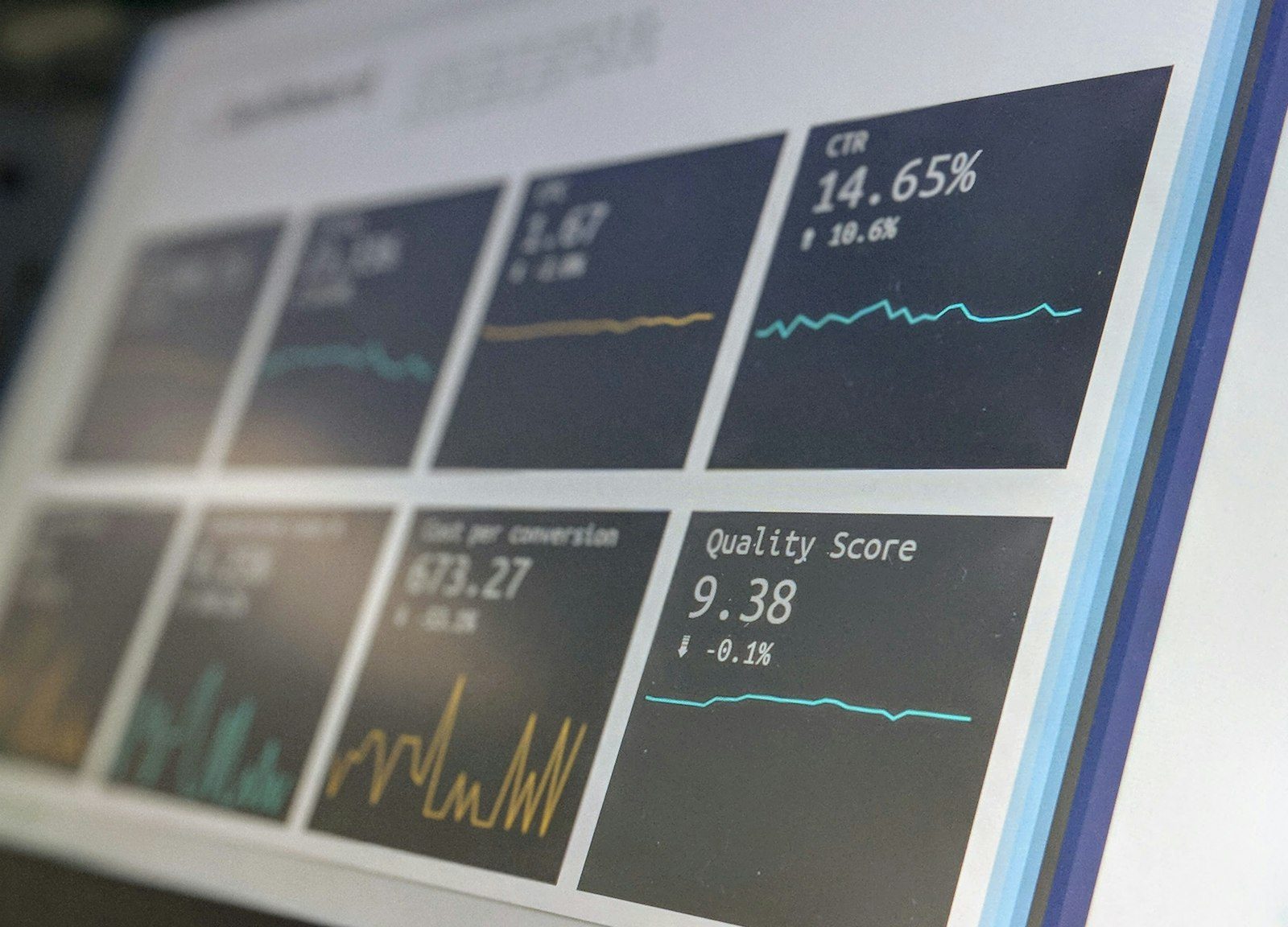
See a forecast explain itself, live
A 30-minute walkthrough built around your own consumption data.
One action. A clearer next step.
See how test activity connects to stock and purchasing. This interactive illustration uses sample data, not a live laboratory account.
- 01
Test activity
0Tests recorded against a configured recipe.
- 02
Available stock
100Illustration: one unit consumed per test.
- 03
Next decision
ReadyRun the example to see the stock review.
Choose “Log 12 tests” to follow the workflow.
Explore your laboratory’s workflow in a demo →