One hierarchy for every branch, not a spreadsheet per site
Running more than one lab site usually means either a separate system per branch, or one system that can't actually compare them. Vitrio's Enterprise tier gives a lab chain one shared hierarchy, with branch-to-branch comparison built in, not bolted on.
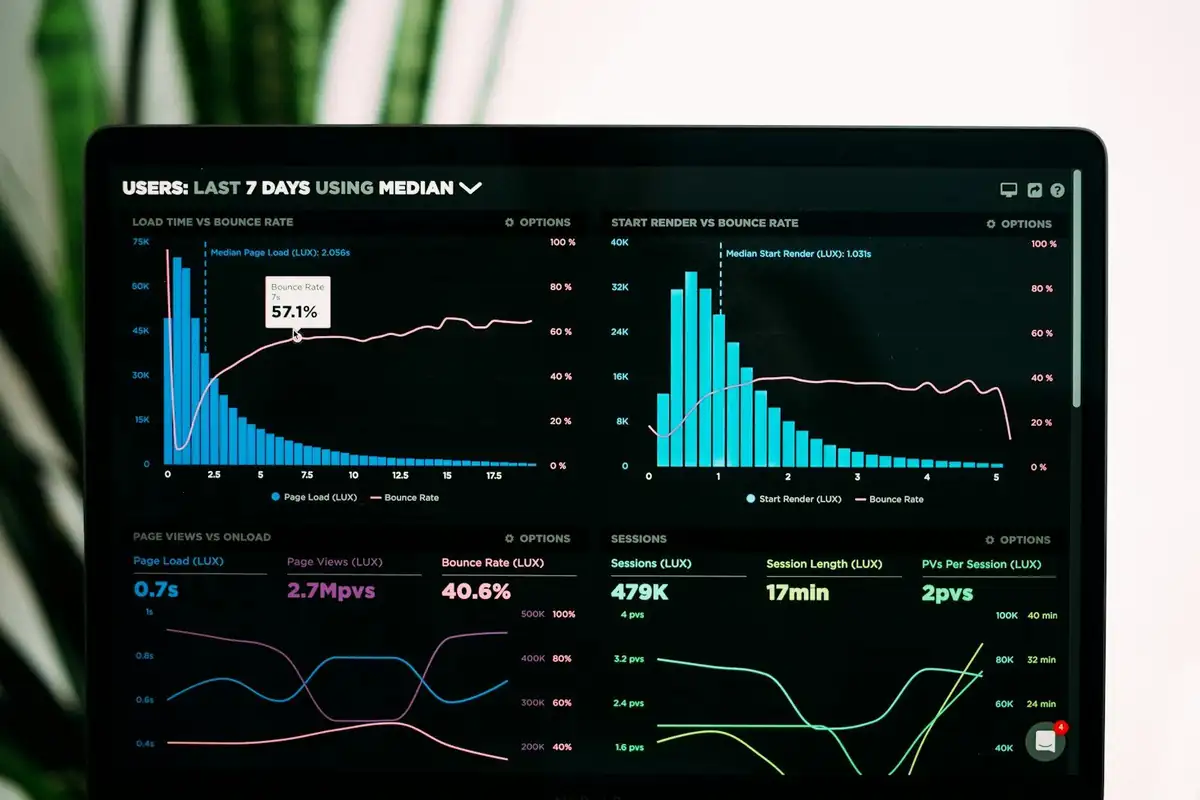
Every branch in one system, not one system per branch
Each branch runs its own day-to-day: its own inventory, its own staff, its own test logs. But it all sits under one company hierarchy, so a chain-level admin sees everything without having to log into four different accounts.
- One company, many branches, one login for chain admins
- Branch-level staff scoped to their own site's data
- Unlimited staff, inventory items, and suppliers
Branch-to-branch comparison, the one feature genuinely exclusive to Enterprise
See consumption, spend, and supplier reliability side by side across every branch, so a chain admin can spot the branch that's overspending on the same reagent another branch sources for less, without exporting anything to a spreadsheet first.
- Side-by-side consumption & spend comparison
- Shared supplier scorecards across the whole chain
- Everything else identical to Starter and Growth
Most single-site labs don't need this
Multi-branch hierarchy is the one feature genuinely scoped to Enterprise. Starter and Growth already run the full platform for a single site. This page exists for the chains that actually operate more than one branch, not to upsell everyone toward the top tier.

Talk through your branch structure with us directly
Every chain's hierarchy looks a little different. Let's map yours before you sign up, not after.
One action. A clearer next step.
See how test activity connects to stock and purchasing. This interactive illustration uses sample data, not a live laboratory account.
- 01
Test activity
0Tests recorded against a configured recipe.
- 02
Available stock
100Illustration: one unit consumed per test.
- 03
Next decision
ReadyRun the example to see the stock review.
Choose “Log 12 tests” to follow the workflow.
Explore your laboratory’s workflow in a demo →