Built around the one thing that actually happens in your lab: a test gets run
Most inventory software treats a diagnostic lab like a warehouse. Vitrio treats it like a diagnostic lab: every reagent deduction traces back to a specific test template, on a specific machine, against a specific result. That's the difference between "we think we have enough" and knowing.
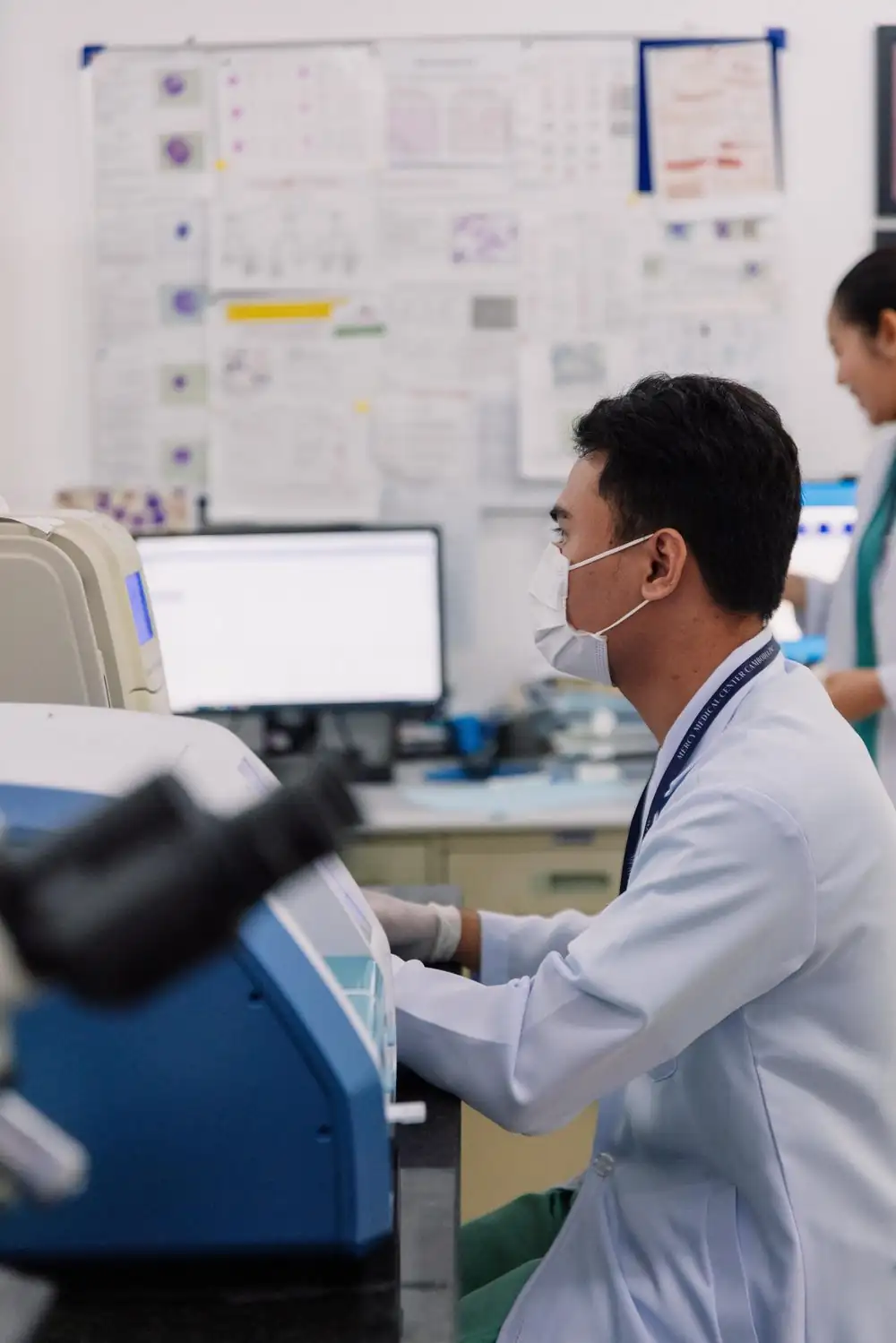
What actually sets a diagnostic lab apart
Four capabilities that only matter once your inventory is tied to real test volume, not guesswork.
Reagent consumption tied to the test template, not the order
Log a test and Vitrio deducts exactly what that test's recipe calls for. No separate "log the result" and "adjust the stock" steps that drift apart over a busy week. Run 40 malaria RDTs and 40 kits leave inventory, automatically, every time.
- 100+ pre-built standard test recipes, ready on day one
- Custom test templates for anything not in the catalog
- One log entry updates stock, not two disconnected systems
Chain of custody: which batch produced which result
Every test log records the exact reagent batch that was consumed for it. If a batch is later recalled or flagged, you can trace forward to every result it touched, and back from any result to the lot number behind it, in a lookup, not an afternoon.
- Batch/lot linked to every test log entry
- Recall lookup: find every affected result in seconds
- Full audit trail, exportable for inspection
NAFDAC registration & MLSCN/SLIPTA self-assessment
Nigerian diagnostic labs carry a real regulatory load. Vitrio tracks NAFDAC registration numbers per inventory item and gives you a scored MLSCN/WHO-AFRO SLIPTA self-assessment checklist in-app — audit prep that doesn't start the week before the visit.
- NAFDAC registration number per item
- SLIPTA checklist, scored, updated as you go
- Audit-ready export for inspectors, one click
FIFO consumption & expiry-first surfacing
Reagents get consumed oldest-batch-first automatically, and anything approaching its expiry date surfaces before it becomes a write-off. A calendar heatmap shows the whole month's expiry risk at a glance.
- True FIFO auto-consumption, not just a sort order
- Expiry calendar heatmap across all inventory
- Waste & loss tracked in real currency, not just units
Where "just track stock levels" falls short for a diagnostic lab
| Generic Inventory Tool | Vitrio | |
|---|---|---|
| What consumes a reagent | A manual stock adjustment | The test template's own recipe |
| Tracing a recalled batch | Search paper logs by hand | Recall lookup, batch to result, instantly |
| NAFDAC / MLSCN readiness | A separate spreadsheet somewhere | Scored checklist, in the same system |
| Which batch gets used first | Whoever grabs the nearest box | True FIFO, enforced automatically |
| Expiry visibility | Found when it's already expired | Calendar heatmap, weeks ahead |
Built for the workflow you already run
A real test catalog, not a blank slate
100+ standard lab tests already modeled with their reagent recipes; most labs are logging real tests within a day.
Data isolated per lab, enforced at the database
Your results, batches, and stock levels never mix with another company's. Not a UI convention, a data-layer guarantee.
AI-assisted reorder, grounded in your own usage
Reorder suggestions come from your lab's actual consumption trend, not a generic min/max rule that ignores seasonality.
See the rest of the platform
Public Health & Reference Labs
SLIPTA readiness, notifiable disease reporting, audit exports.
See Public Health Labs
See it running against your own test catalog
Sign in to your Vitrio account, or ask your System Admin to set one up for your company.
One action. A clearer next step.
See how test activity connects to stock and purchasing. This interactive illustration uses sample data, not a live laboratory account.
- 01
Test activity
0Tests recorded against a configured recipe.
- 02
Available stock
100Illustration: one unit consumed per test.
- 03
Next decision
ReadyRun the example to see the stock review.
Choose “Log 12 tests” to follow the workflow.
Explore your laboratory’s workflow in a demo →